


Notegrity Encrypted Note File Format Specification
Notegrity Encrypted Note File Format Specification https://notegrity.com/wp-content/uploads/2026/03/thumb-1-1024x576.png 1024 576 Notegrity https://secure.gravatar.com/avatar/28c6b800ab522934fd98496116fd26358e41cec02c12d671aa4968ff5f82e99d?s=96&d=mm&r=gVersion: 1.0
Applies to: Notegrity encrypted notes
Last Updated: 2026
1. Overview
Notegrity encrypted notes use open, industry-standard cryptographic primitives and a human-readable container format. The goal of the format is:
- Transparency
- Portability
- Recoverability
- Long-term durability
- Independence from Notegrity software
Encrypted notes can be decrypted using any implementation that supports:
- AES-256-GCM
- Scrypt key derivation
- Base64 encoding
No proprietary encryption algorithms are used.
2. File Structure
Encrypted note files are UTF-8 plaintext files composed of three sections:
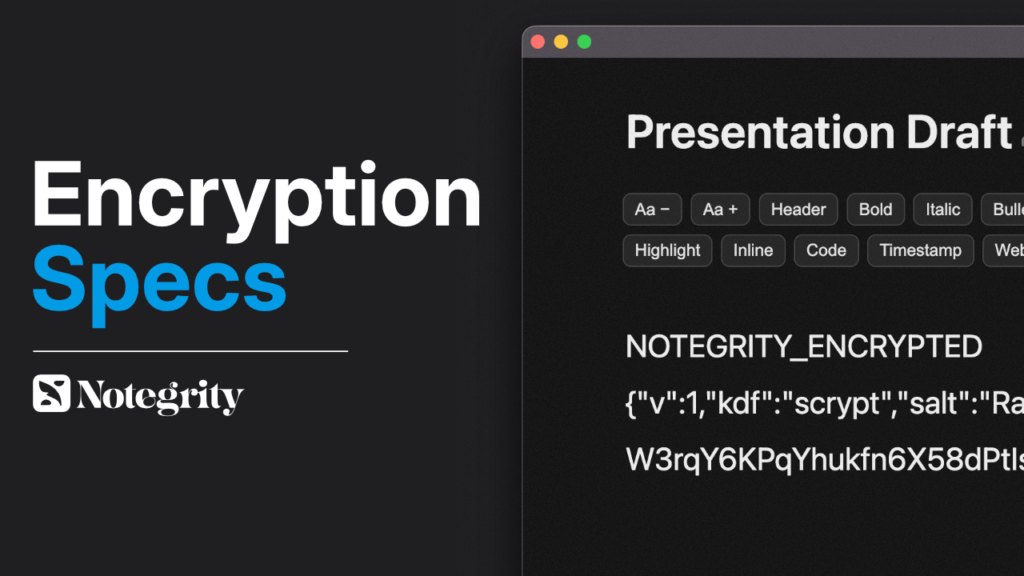
NOTEGRITY_ENCRYPTED

<header JSON>

<base64 ciphertext>
Line 1 — Magic Header
NOTEGRITY_ENCRYPTED
Used to detect encrypted notes.
Line 2 — JSON Metadata Header
Example:
{"v":1,"kdf":"scrypt","salt":"...","iv":"...","tag":"..."}
Fields:
| Field | Type | Description |
|---|---|---|
| v | number | Format version |
| kdf | string | Key derivation function |
| salt | base64 | Random salt for KDF |
| iv | base64 | AES initialization vector |
| tag | base64 | AES authentication tag |
Line 3 — Ciphertext
Base64-encoded AES-GCM encrypted content.
3. Encryption Parameters
Notegrity uses the following cryptographic configuration:
| Parameter | Value |
|---|---|
| Cipher | AES-256-GCM |
| Key Length | 256 bits |
| KDF | scrypt |
| Salt Length | 16 bytes |
| IV Length | 12 bytes |
| Auth Tag | 16 bytes |
4. Key Derivation
The encryption key is derived from the user password using:
scrypt(password, salt, 32)
Output: 32-byte key
5. Encryption Procedure
To encrypt a note:
- Generate random salt
- Generate random IV
- Derive key using scrypt
- Encrypt plaintext with AES-256-GCM
- Save header + ciphertext
6. Decryption Procedure
To decrypt:
- Read header JSON
- Base64-decode values
- Derive key from password + salt
- Decrypt ciphertext using AES-GCM
- Verify authentication tag
If authentication fails:
- Password is incorrect
- Or file is corrupted
7. Security Properties
Notegrity encryption provides:
- Confidentiality— data unreadable without password
- Integrity— tampering detected automatically
- Authentication— invalid passwords fail verification
- Forward compatibility— versioned format
- Vendor independence— open standards
Notegrity cannot recover passwords or decrypt files.
8. Portability Guarantee
Encrypted notes are designed to be decryptable without Notegrity.
Any software capable of:
- Scrypt
- AES-GCM
can decrypt Notegrity files.
This ensures notes remain accessible indefinitely.
9. Backwards Compatibility
Future versions may introduce new header versions:
"v": 2
Implementations should reject unknown versions unless explicitly supported.
10. Security Warning
If a password is lost, encrypted notes cannot be recovered.
There is no password reset mechanism.
11. Design Philosophy
Notegrity encryption is intentionally:
- Simple
- Inspectable
- Portable
- Standards-based
The format prioritizes user data ownership over vendor lock-in.
End of Specification

Leave a Reply