


Your files, your notes.
Plain text stored locally. No cloud. No accounts. No tracking.
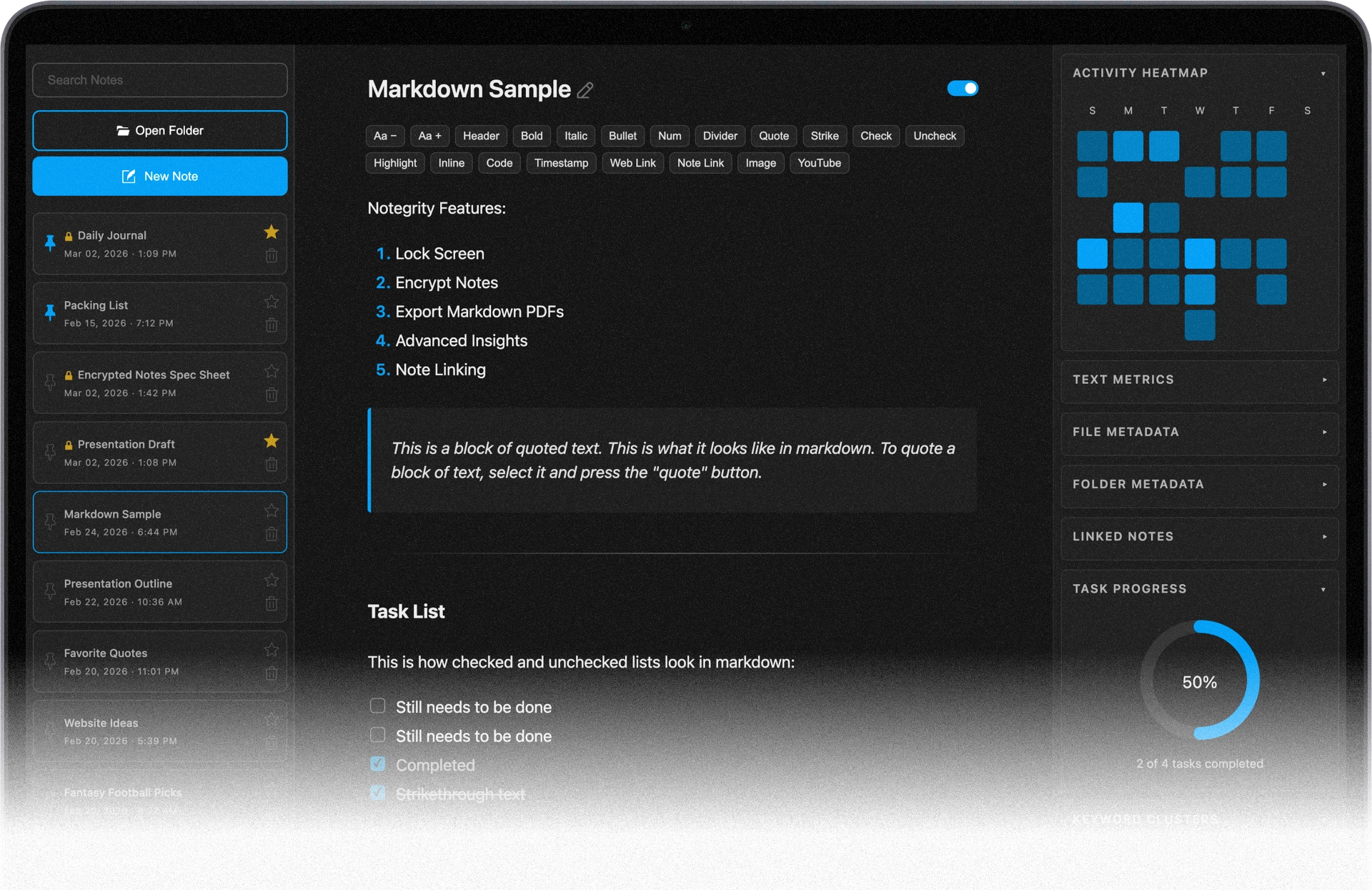
Take back ownership of your notes.
Notegrity is a plain text note-taking app that works directly with files on your computer. Built for people who want their notes to outlive their tools.
.01 Pick A Home
Choose a folder on your computer where your notes will live. Existing files in that folder appear instantly in the sidebar.
.02 Write Your Notes
Write in plain text. Use Markdown if you want formatting and preview it anytime.
.03 Privately Stored
Your notes are saved as .txt or .md files on your device. They’re never scanned, analyzed, or sent anywhere.
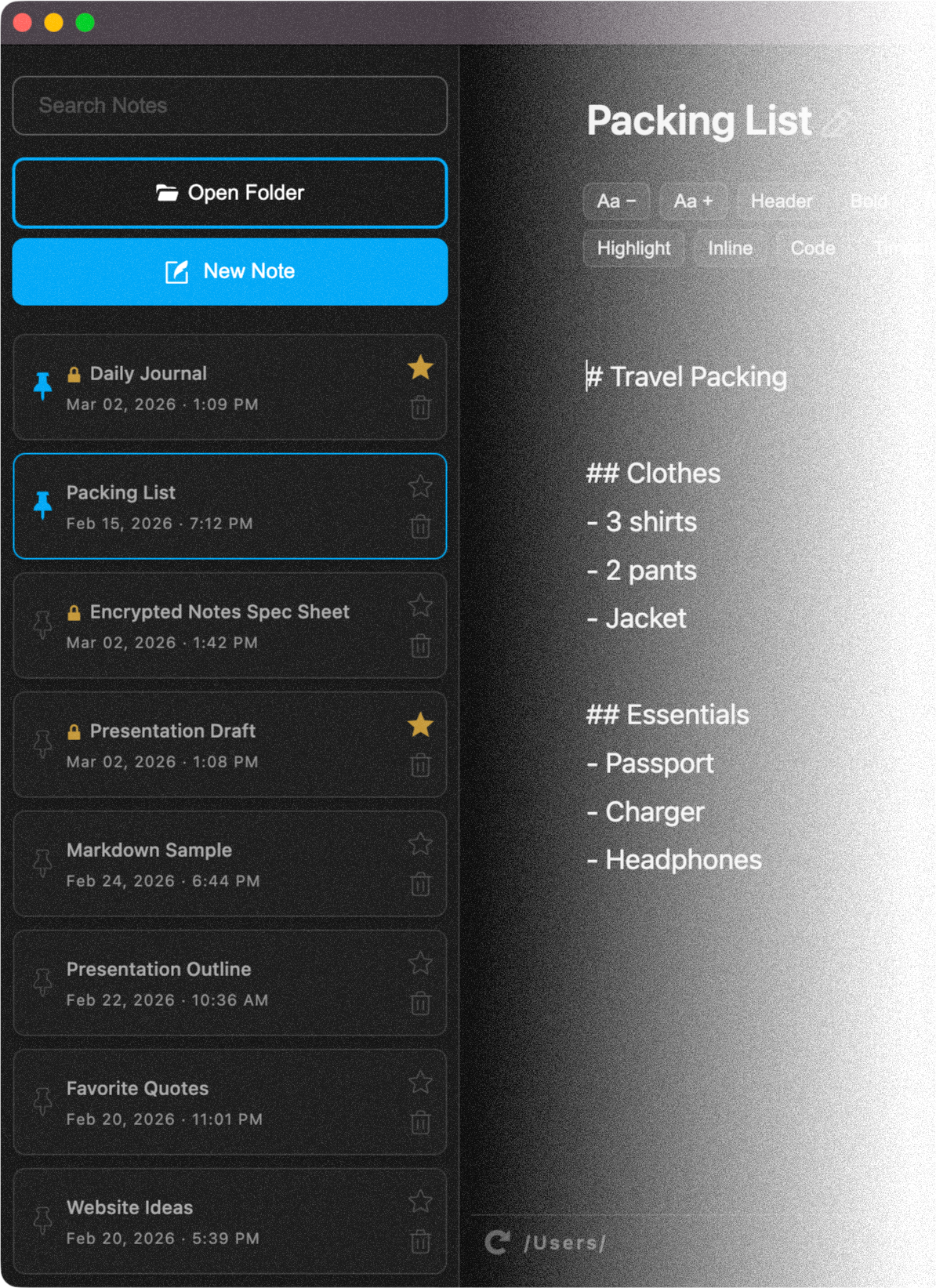
Plain text first, markdown optional.
Notes are written in plain text. Markdown syntax can be applied and rendered in Markdown Preview Mode for additional styling and formatting. Try it out:


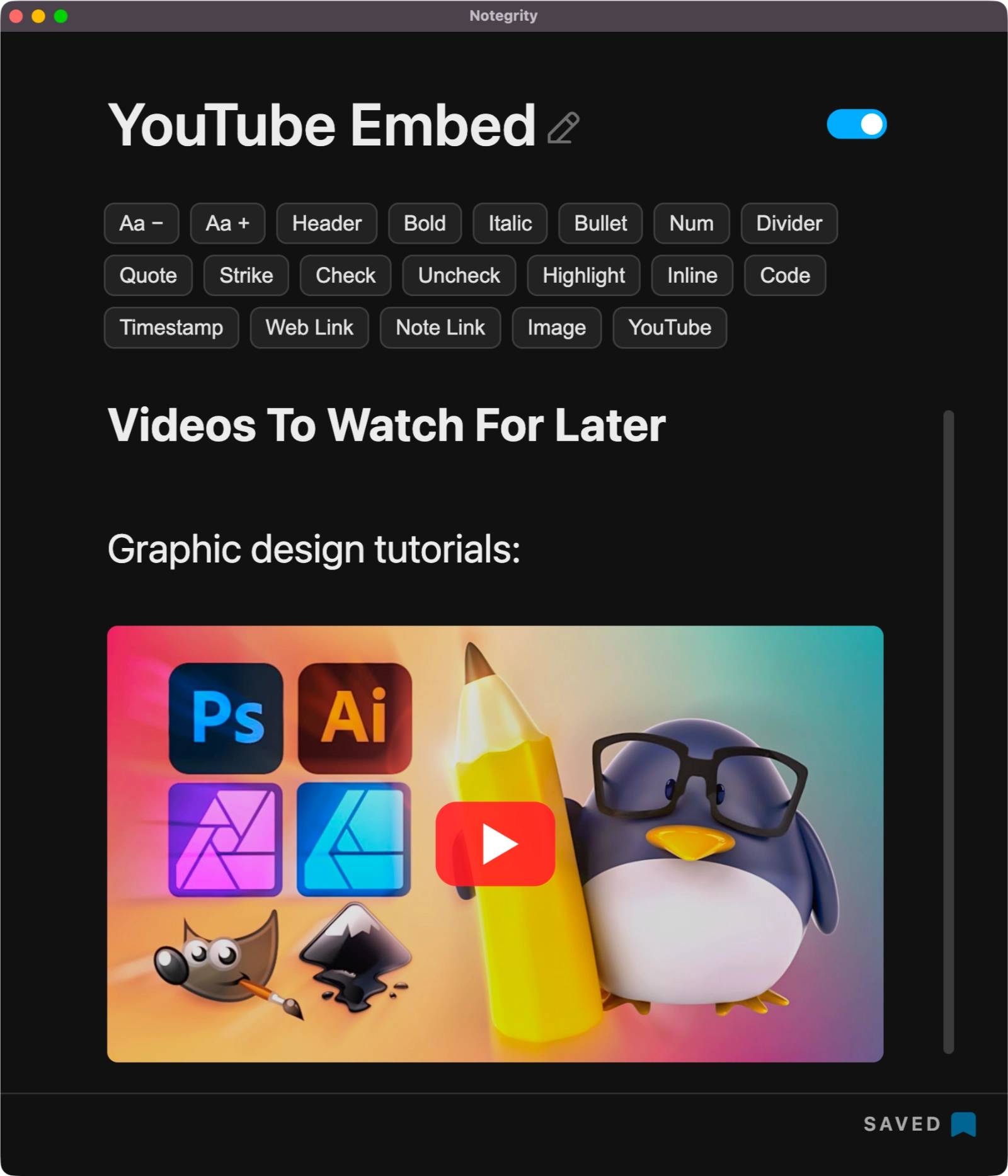
Advanced note-taking features.
Use the Markdown Insertion Bar to quickly insert common formatting without remembering syntax.
Style & Format
Format notes quickly with highlights, lists, quotes, and other Markdown styles.
Insert Media
Add images and YouTube videos directly to your notes using simple Markdown syntax.
Productivity Tools
Stay organized with task lists, timestamps, and note linking.
Notegrity Pricing Options
Notegrity is free for everyone. Pro unlocks additional features for power users.
Notegrity
- Write Unlimited Notes
- Open Unlimited Folders
- Markdown Rendering
- No Data Collection
- Entirely Local
Notegrity Pro
- Write Unlimited Notes
- Open Unlimited Folders
- Markdown Rendering
- No Data Collection
- Entirely Local
- ⭐️ Insights Dashboard
- ⭐️ Screen Lock
- ⭐️ Encrypt Note Files
- ⭐️ Unlimited Devices
Notegrity Pro Features
Notegrity Pro is not a subscription— it's a tool that you pay for once and own forever.
Advanced notes insights.
Discover patterns, activity, and connections across your notes. Notegrity Pro users get access to:
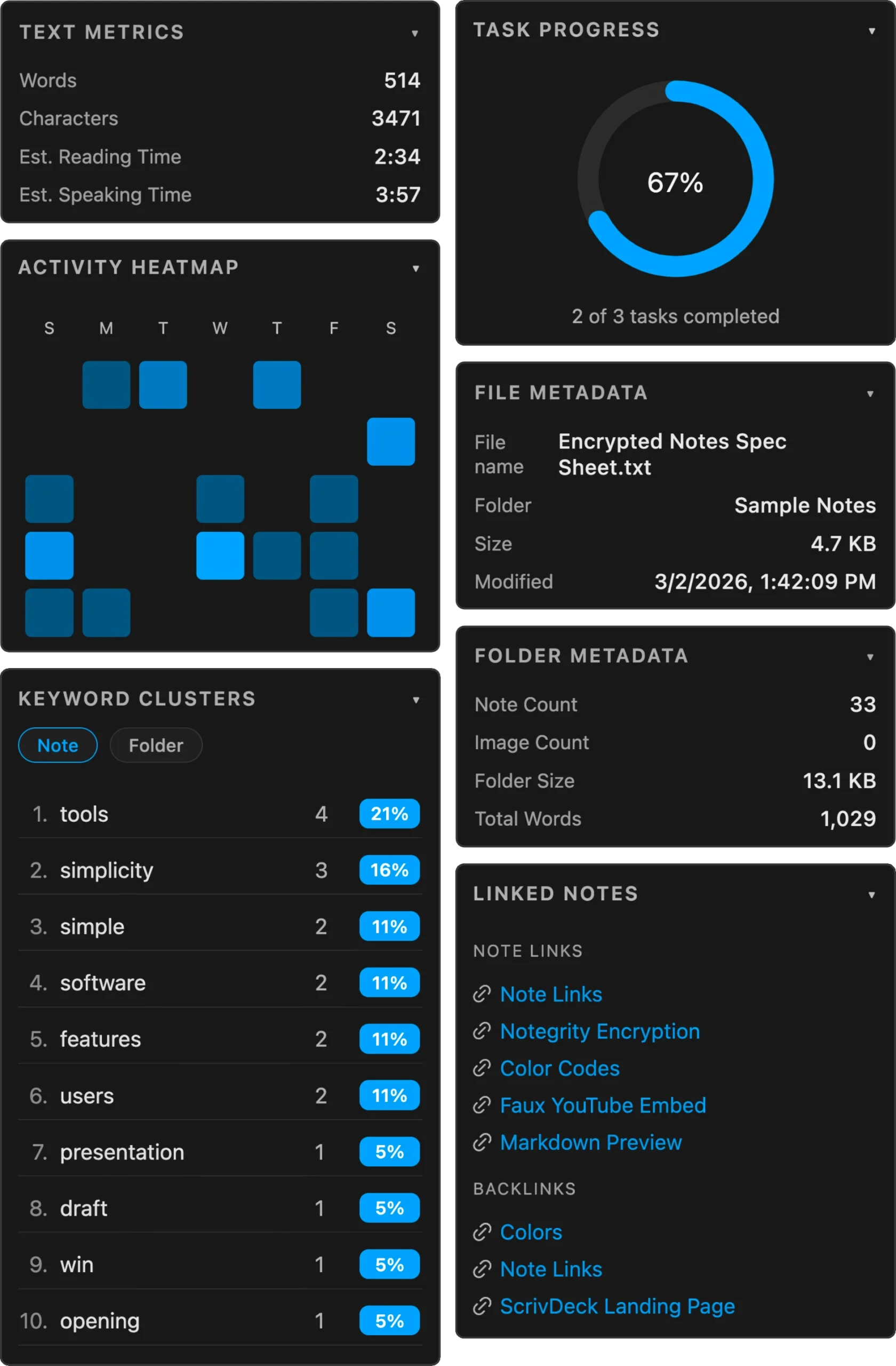
Text Metrics
Understand the structure of your notes at a glance with word counts, reading time, file metadata, and folder statistics.
Activity Heatmap
See when you're most productive. This visual timeline highlights the days and times you write the most, helping you understand and optimize your note-taking habits.
Linked Notes
Instantly see how your ideas connect. View all notes that link to your current note, along with the notes it links to, making it easier to navigate and explore related thoughts.
Task Progress
Track completion at a glance. A visual progress ring shows the ratio of completed to remaining tasks within your note.
Keyword Clusters
Identify patterns in your thinking. See the most frequently used words across your notes and folders to uncover recurring topics and themes.
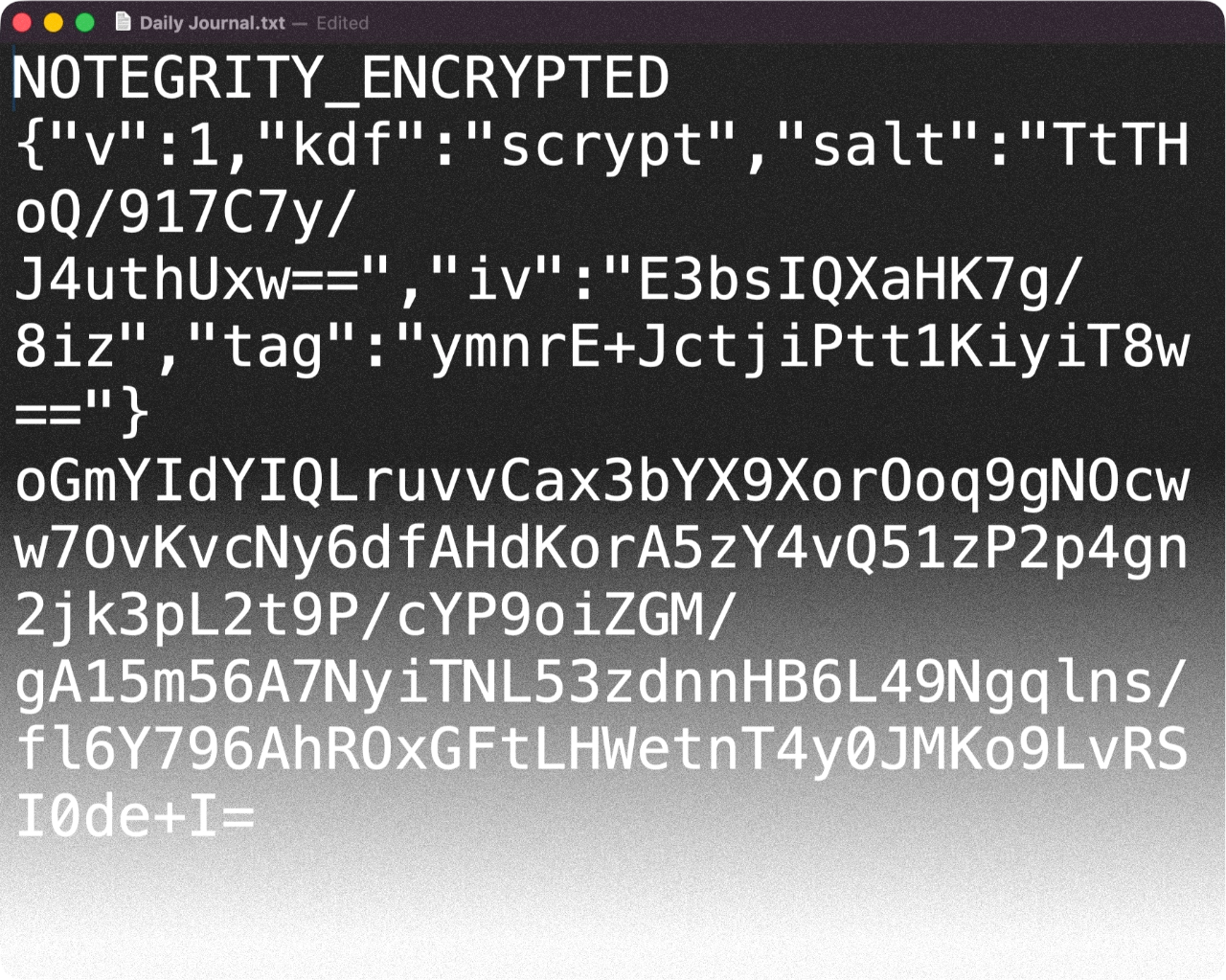
Encrypt your notes.
Notegrity Pro lets you encrypt note files locally and secure them with a password using industry-standard AES-256-GCM encryption and Scrypt-derived keys.
On the outside, your files appear as unreadable data. The contents only become visible when unlocked with your password in Notegrity.
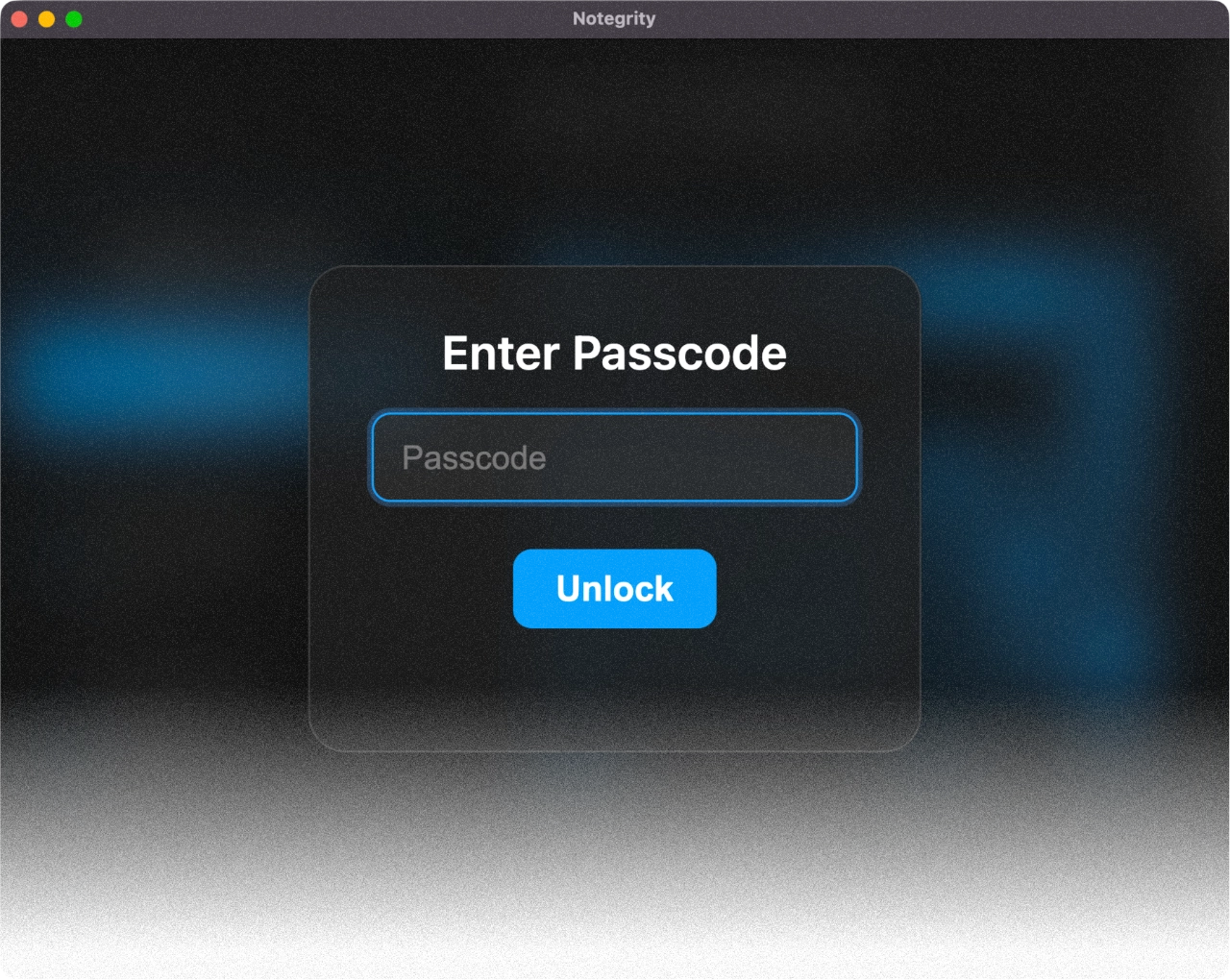
Lockscreen privacy.
With Notegrity Pro, you can temporarily lock your screen with a passcode so that none of the application's contents can be seen or accessed until unlocked.
Lockscreen is a convenient privacy curtain for those moments when you have to leave your device unattended for brief periods.
Frequently Asked Questions
Who is Notegrity for?
Notegrity is for the privacy-conscious user who prefers simple, local note-taking without accounts, subscriptions, or vendor lock-in.
If you've ever had to export thousands of notes because an app raised prices or shut down, Notegrity is for you.
Notes created in Notegrity are files that you own and are saved in interoperable formats that work with countless other note-taking apps, text editors, and terminals.
What makes Notegrity different from other note apps?
Notegrity is an offline tool that lets you own your notes as individual files in standardized, interoperable formats. It does not require an account and it does not collect or transmit your data.
Most modern note-taking apps collect analytics or telemetry to measure usage, track feature adoption, or monitor behavior. While this data may be anonymous, it still means the app is sending information about how you use it back to the developer.
Notegrity takes a different approach. It does not include analytics, telemetry, or usage tracking of any kind. The application never sends information about your activity, your notes, or your system to external servers. In fact, it doesn't even have the ability to. Everything stays on your device, under your control.
Furthermore, Notegrity is a true plain-text note-taking app that works with TXT files. Other note-taking apps may store notes in plain-text formats, but their editors are usually markdown-based. Notegrity keeps the editor plain text and provides markdown rendering as an optional layer for those who want formatting without sacrificing the simplicity and versatility of plain text.
Why plain text?
Plain text is the most timeless and reliable way to store words.
Plain text is universal and non-proprietary. It doesn't require any special editors, ecosystems, platforms, and there’s no DRM baked into it. Your notes are readable wherever files are readable, which is everywhere.
Plain text doesn't break with software updates. If the file exists, your note exists.
Plain text is copy & paste-friendly. It doesn’t drag fonts, weights, or styling along with it. It assimilates into any environment in which you paste it. Plain text is the raw ingredient on your cutting board that isn't flavored until you throw it in the pot with the other ingredients.
Plain text comes in small file sizes. It's easy to store, copy, transfer, and back up.
Plain text respects your future self. Modern note-taking apps assume that they’ll be around forever and you'll be invested in them forever. Plain text assumes the opposite. Your tools will change, but your notes shouldn’t.
Most importantly, plain text is ownership. The further away you move from plain text, the further you are from owning your notes.
Where are my notes stored?
Notegrity is a local-first tool for self-hosting your notes. Note files are stored directly on your computer as .txt or .md files.
When saving notes, you choose the folder where they live. Many users create a dedicated notes folder so it’s easy to sync or back up.
Can Notegrity open existing markdown or text files?
Yes, you just have to open the folder where they're located and they'll be loaded into the Notegrity sidebar.
Can Notegrity read my notes?
Absolutely not! Notegrity is an offline tool that was designed to function like a system utility. It does not collect any data about you or your note contents whatsoever. Metrics in the Insights panel are calculated locally on your device and updated in real time. What happens in Notegrity stays in Notegrity.
How can I sync my notes across devices?
Notegrity treats your notes as regular files that you own, meaning you would sync them the same way you'd sync any other folder on your computer. You can use tools like Dropbox, iCloud, Syncthing, or Nextcloud — whatever you prefer.
Does Notegrity require an account?
No. Notegrity runs locally and works directly with files on your computer.
Is Notegrity open source?
Notegrity is not currently open source. However, the application is built around open and interoperable file formats such as plain text and Markdown. Your notes are never locked inside a proprietary system and can always be accessed with other tools.
Can I really use Notegrity Pro forever after purchasing?
Yes. Notegrity Pro is not a cloud service and it does not rely on servers or online infrastructure to function. It doesn't even require an activation key to use. Once the application is installed on your computer, it will continue working regardless of what happens to this website or the business behind it.
It's no different than purchasing a hammer from a hardware store — it's a tool that you own and cannot be taken back.