
Download for Linux
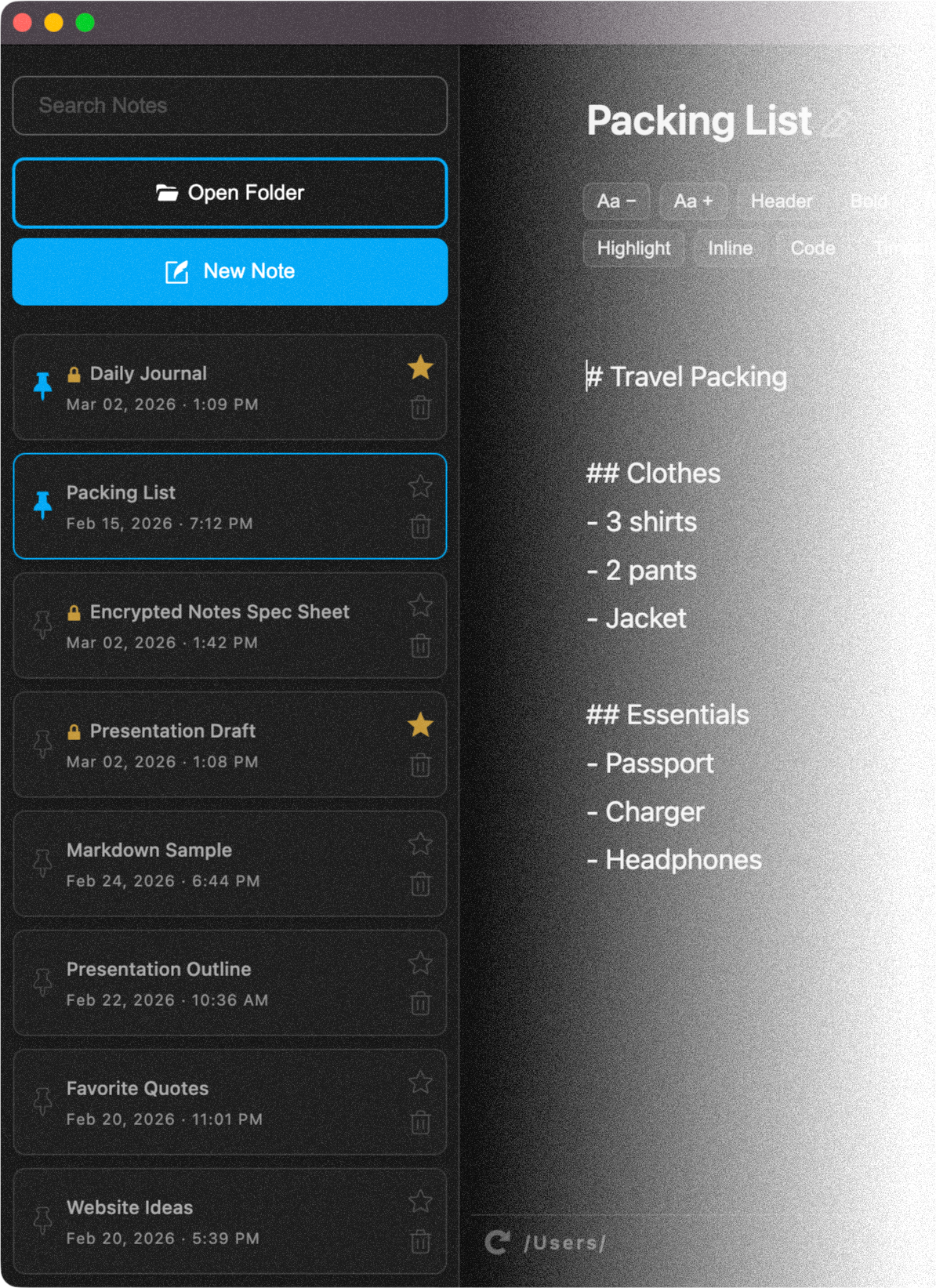
Download the Notegrity plain-text note-taking app for Linux desktop operating systems
Download Instructions
Click the link below to download the zip folder containing the install files and follow the instructions to install Notegrity:
Step 1
Download the zip folder and save it in a location where you can easily access it.
Step 2
Extract the zip folder to expose the contents. Important: do not skip this step. The application will not install if you run the install script from within the zip folder.
Step 3
Open the extracted folder and run the install.sh file to install the Notegrity app image.
Step 4
Once installed, open your applications menu, search for Notegrity, and launch the app.
Download link:
Notegrity-Linux-x86_64-v0.1.0.zip (105.23 MB)
Version: 0.1.0
Last Updated: March 2026
License: Proprietary